Home networking

Better connections.
Less to think about.

From Wi-Fi dead spots to a complete Omada Wi-Fi 7 setup, we plan the network around the rooms, devices and routines that matter to you.

Start with the foundation

A network that fits
the way you live.

The solution starts with understanding the space. We consider the layout, construction, existing wiring and everyday demand before choosing the equipment.

Discuss your network
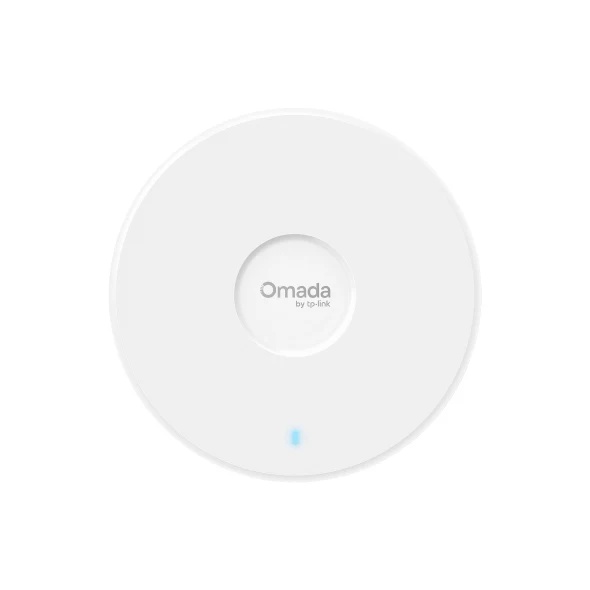
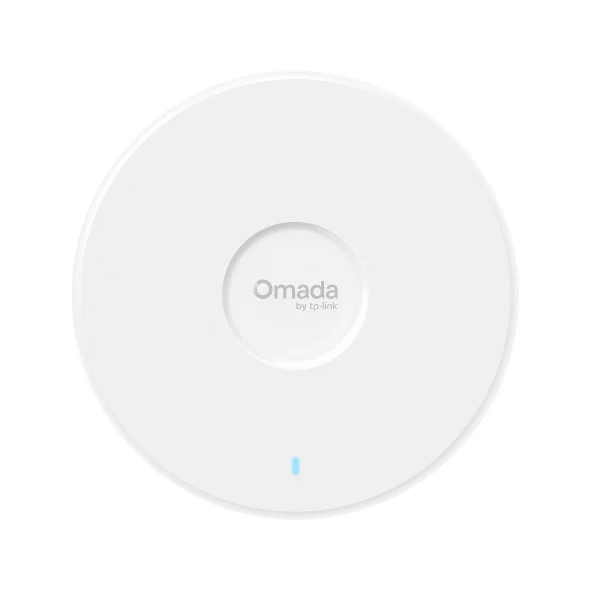
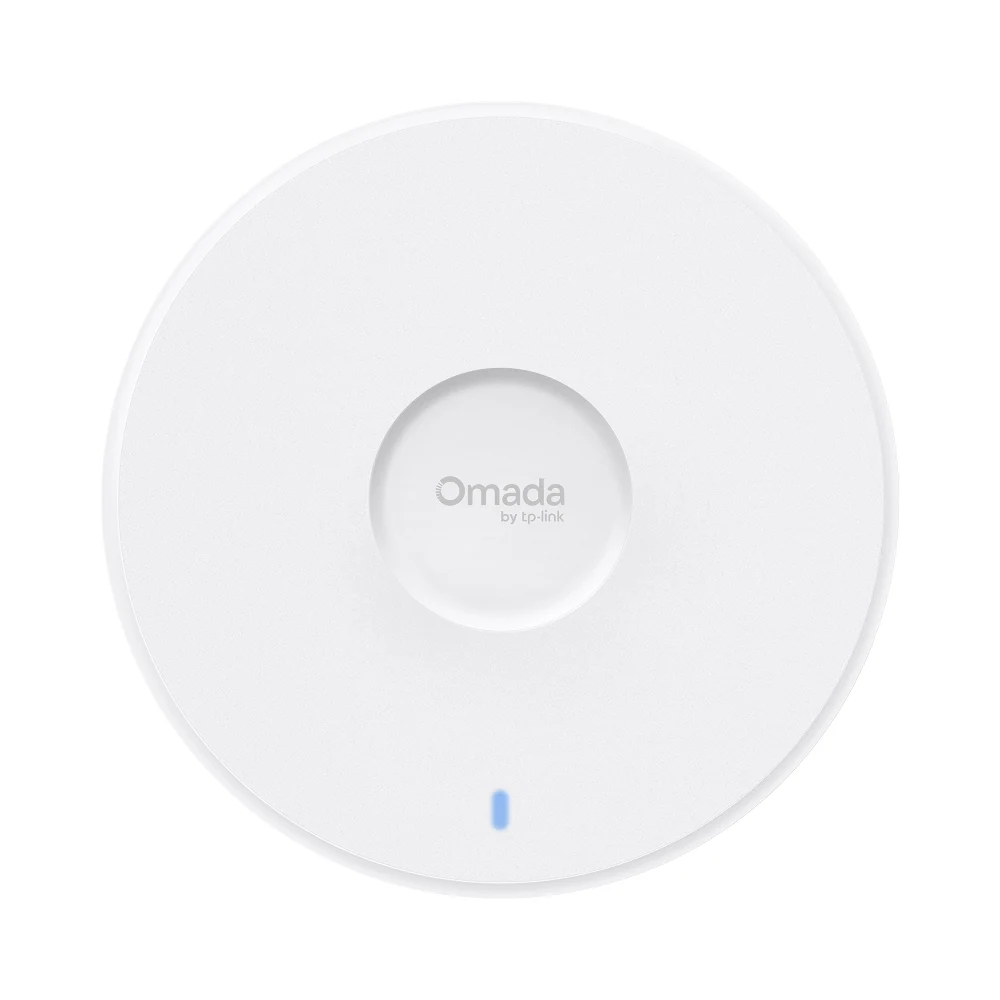
Omada 7 Pro X EAP773 access point
Omada 7 Pro X · placement planned around the home

Choose the right foundation

One system.
Three starting points.

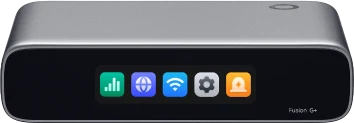
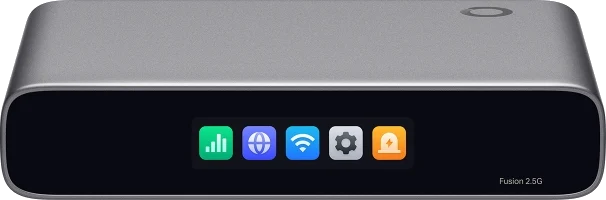
Bronze, Silver and Gold describe the gateway foundation. The full design follows the house, its size and your priorities.

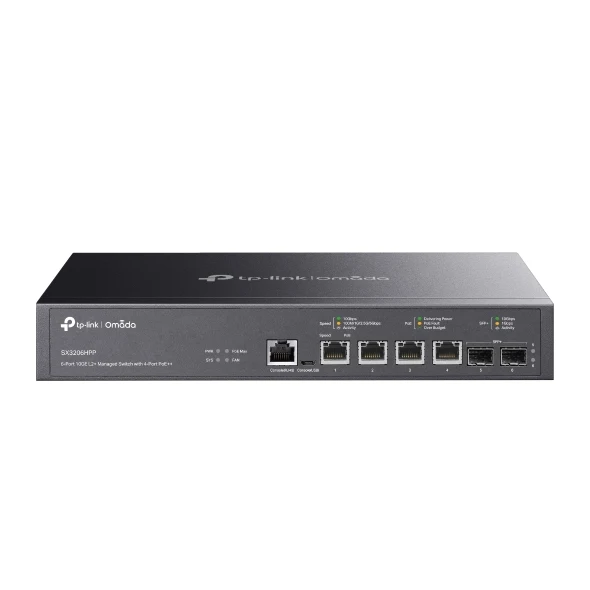
Gateway, Wi-Fi and switch selections work together. Outdoor coverage can use Omada 7 Outdoor where appropriate. Device count and the final quote follow your house, its size and the agreed scope; actual speeds depend on the full connection path.

Every part has a purpose

Coverage. Connections. Control.

Wi-Fi coverage & extension

Access-point placement for the rooms you use, with outdoor spaces and outbuildings considered where needed.

Ethernet for everyday devices

Wired connections for workstations, TVs and other fixed devices, with routes and finishes planned properly.

Omada network planning

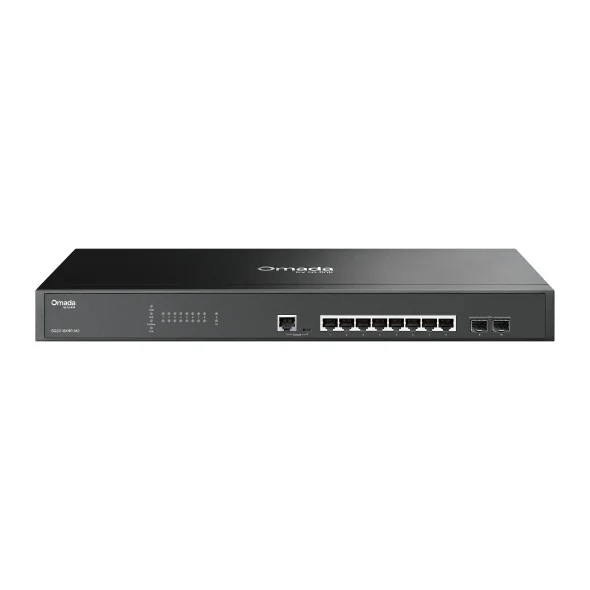
Gateways, switching and access points selected and configured as a coherent system.

A considered security setup

Guest and connected-device access, account ownership and configuration reviewed around your needs.

Organized infrastructure

Labeled connections and an understandable central setup make ongoing service simpler.

Testing & handover

Coverage and everyday use checked, with a clear walkthrough of access, controls and support.

Plan around the problem

Not sure what
needs to change?

That’s a useful place to start.

Should I add a Wi-Fi extender?

It depends on the layout, interference, existing wiring and equipment. We look at the cause of weak coverage before choosing additional access points or another connection approach.

Can you improve access for guests and smart devices?

We can review how guests and connected devices access the network and plan separation where appropriate. The configuration depends on the equipment and how the home is used.

Can you work with equipment I already have?

Our new network plans use Omada gateways, switches and Wi-Fi 7 access points. We review compatible existing devices, cabling and support needs before deciding what to retain.

Will a hardwired TV always be faster than Wi-Fi?

Not necessarily. We check the TV or streamer’s Ethernet port, the Wi-Fi conditions and the rest of the network. A wired path can reduce reliance on shared Wi-Fi and is often useful for fixed equipment.

Is every Omada switch AVB-compatible?

No. AVB capability must be verified for the selected switch and stream path. General network configuration does not establish AVB hardware support.

How can the detached garage get its own Wi-Fi?

A local access point can serve the garage, connected by a suitable data link and powered locally. The example map uses fiber between buildings and a local PoE switch.

Omada & networked AV

A network that fits
the AV equipment.

Everyday streaming and specialist media networks need different design decisions.

Learn more: hardwiring a TV or streaming device

Ethernet provides a dedicated network connection and can reduce the streaming load on shared Wi-Fi. It also gives the installer a cable path that can be labeled, tested and serviced.

We check the TV or streamer’s Ethernet capability and the wider network. A cable alone does not change the internet plan or every device’s performance. Plan the jack behind the screen or at the equipment location, with access for service.

Learn more: Omada for networked AV

Omada brings gateways, managed switching, Wi-Fi and supported PoE devices into one network design. For audio and video over IP, we match the switch features, multicast settings, bandwidth and power to the connected equipment.

We verify the requirements of each AV device and selected switch rather than assuming every network supports every media format. Explore Omada managed switching ↗

Learn more: where AVB fits

Audio Video Bridging, or AVB, is a family of Ethernet standards for time-sensitive audio and video. AVB systems need compatible switching along the AVB stream path and hardware selected for the devices involved.

Network management features alone do not establish AVB compatibility. We identify the actual transport the equipment uses and check manufacturer-approved hardware. Read the AVB overview ↗

Plan now. Choose at your pace.

Explore the possibilities for your home.

Compare example tiers and see how prewire lets you choose equipment in stages. Every home is quoted individually.

Explore home options ↗

A good place to start

What would you like
your home to do better?

A few details are enough to begin. We’ll help you think through the next step.

Let’s talk about your project